Voting Event
Voting Event Actions
Understand what each voting event management action does.
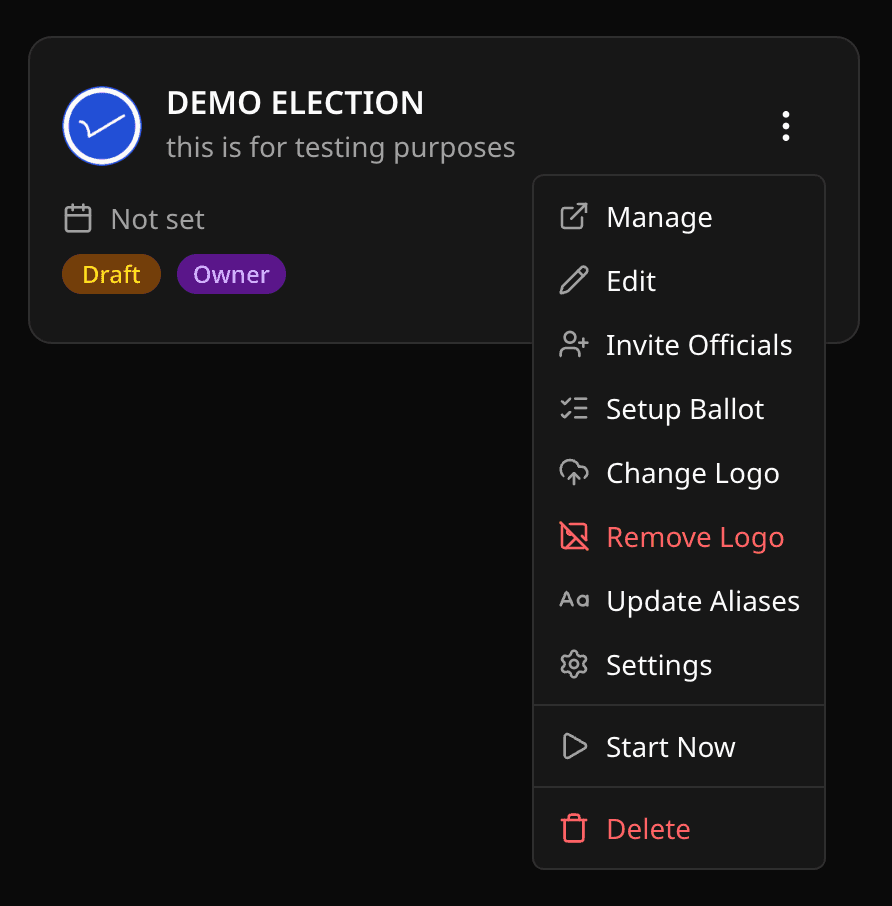
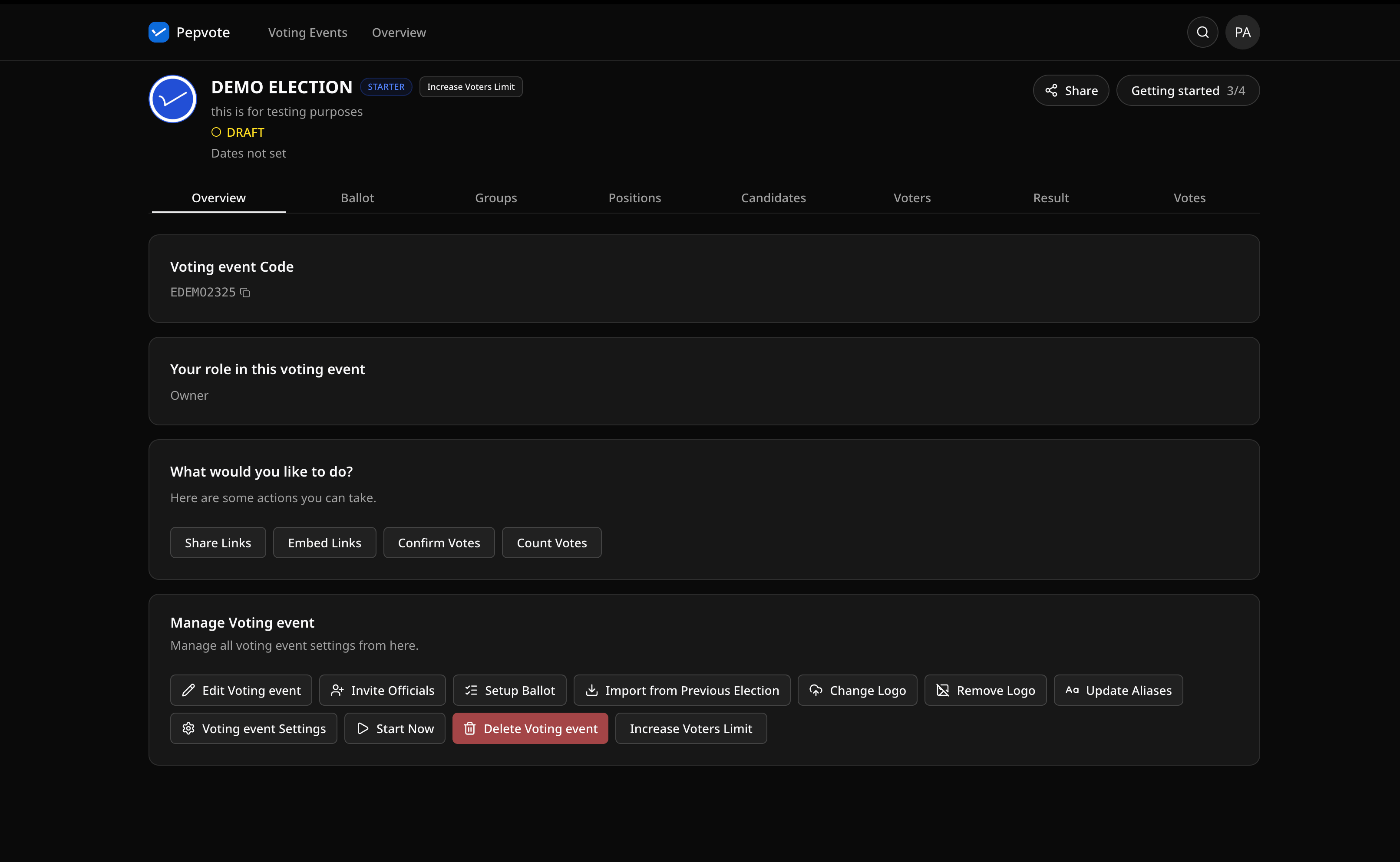
From voting event action menus and manage screens, you can:
- View overview
- Manage ballot
- Manage positions, groups, candidates, sponsors, voters, results, and votes when your role allows it
- Cast Votes when you are an approved voter for an ongoing voting event
- Confirm Votes by confirmation code
- Share Links
- Embed Links
- Edit voting event details
- Invite officials
- Upload, change, or remove voting event logo
- Update aliases
- Open voting event settings
- Import from Previous Election when your plan and voting event allow it
- Upgrade to Starter or increase voter limit when available
- Start voting event now
- End voting event now
- Delete voting event (owner only)
Action behavior to know
Start voting event now
Sets the voting event start time to the current time. This is available while the voting event is Draft or Upcoming.
End voting event now
Sets the voting event end time to the current time. This is available while the voting event is Ongoing.
Delete voting event
Only voting event owners can delete voting events. Deletion removes related voting event data.
Editing restrictions
Some setup actions are only available while a voting event is Draft or Upcoming. Once voting starts or ends, Pepvote limits changes that could affect ballot integrity.
Was this helpful?
Last updated August 27, 2026