Getting Started
Quick start checklist
A fast practical checklist for launching your voting event smoothly.
Use this checklist to run a clean voting event from preparation to close.
Before launch
- Create the voting event and set start/end time.
- Add positions with the correct minimum and maximum selection rules.
- Add candidates and approve only valid candidates.
- Add voters and approve only valid voters.
- Confirm your settings:
-
Group Mode
-
Public Registration
-
Shuffle Candidates
-
Step-by-step ballot
-
Voting Format
-
Live Result
-
Publish Result
-
Before voters start casting votes
- Invite voting event managers/polling officers/observers if needed.
- Confirm voter emails are correct.
- If needed, set a test email destination in Voting Event Settings.
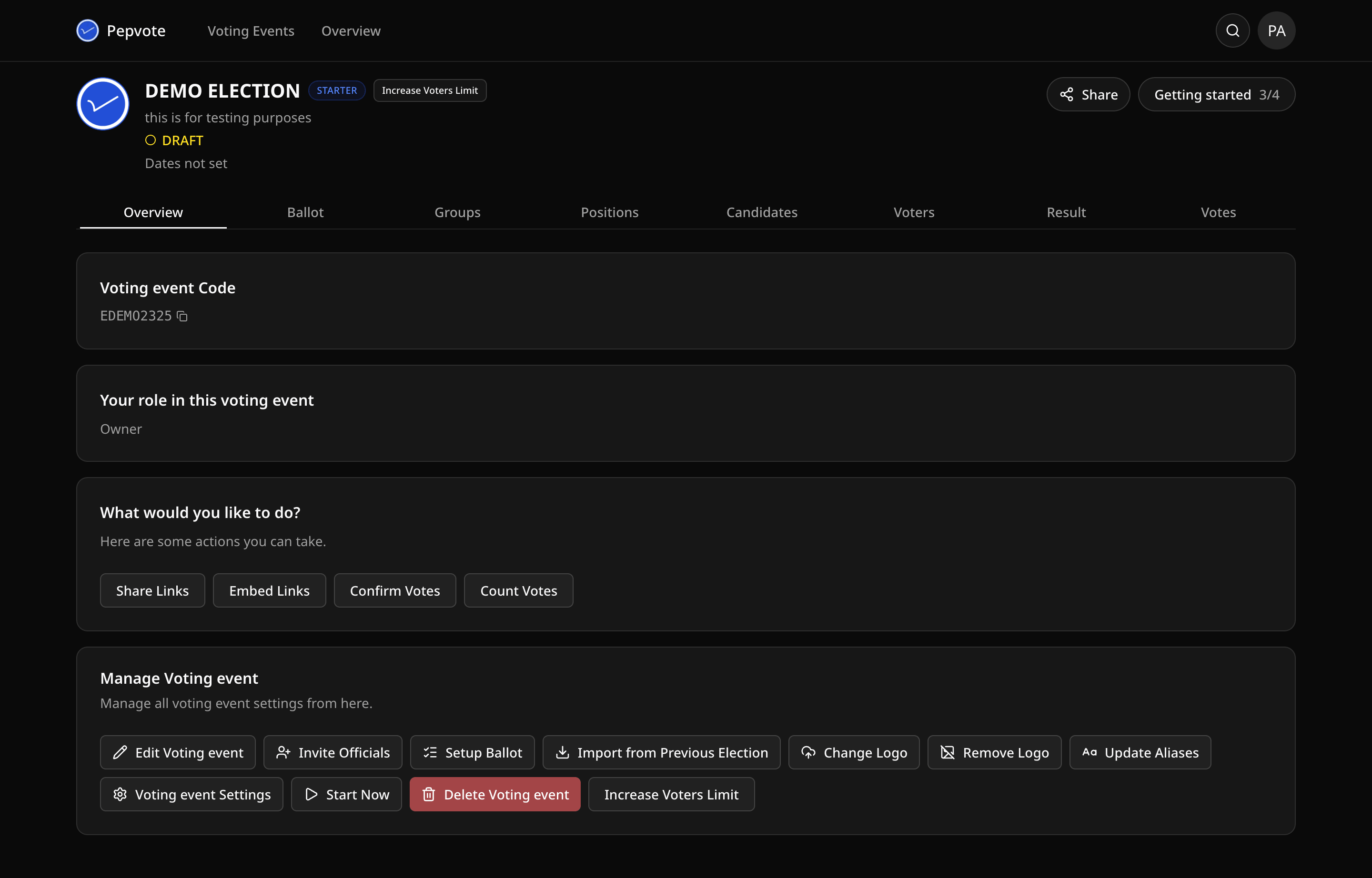
- Use Share Links to copy the voting event main link, cast-votes link, confirmation link, result link, and any enabled registration links.
- Share voting event guidance with your participants.
During voting event
- Monitor voter turnout.
- Assist unapproved voters/candidates where necessary.
- Use role permissions correctly (do not share owner credentials).
After voting event ends
- Confirm results visibility settings.
- Review result breakdown and key metrics.
- Run Recount Votes if your plan supports it and you need to refresh totals.
- Use the votes table and export tools for records.
- Share final outcome through your official channels.
Was this helpful?
Last updated August 27, 2026