Voting Links
Voting Event Links
Understand the public voting links Pepvote generates.
Pepvote no longer uses custom slug-based voting URLs like pepvote.com/demo. Public links are generated from the voting event code.
Main voting event link
The main public page for a voting event is:
/voting?votingEventCode=YOUR_CODE
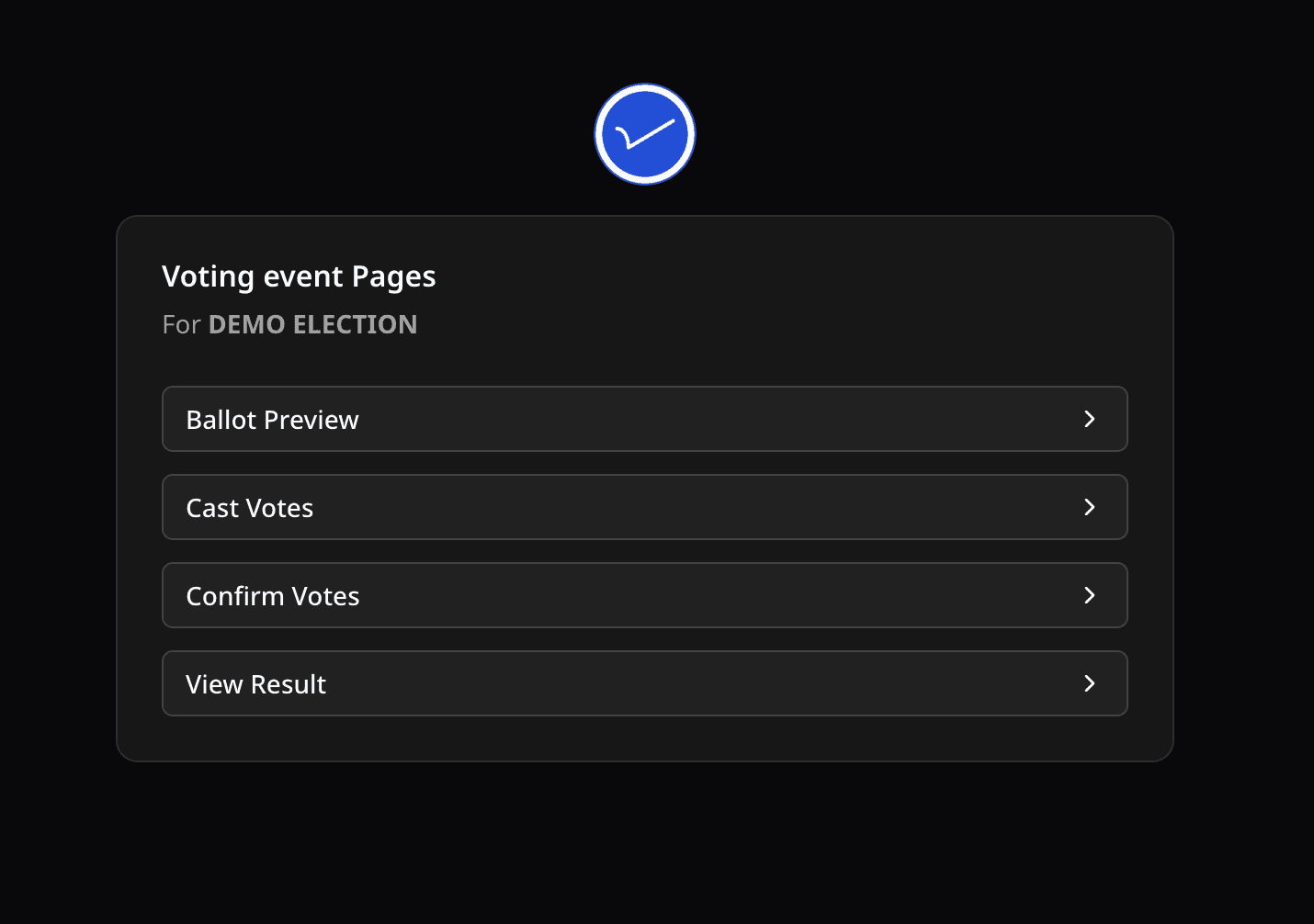
This page shows the public pages available for that voting event, such as Ballot Preview, Cast Votes, Confirm Votes, View Result, and enabled registration links.
Direct public links
You can also share direct links:
/vote/cast?votingEventCode=YOUR_CODE/vote/confirm?votingEventCode=YOUR_CODE/vote/result?votingEventCode=YOUR_CODE/vote/ballot?votingEventCode=YOUR_CODE
Use Share Links in the voting event command menu to copy the current links.
Was this helpful?
Last updated August 27, 2026