Voting Links
Embed Voting Links
Embed headerless voting pages into your website.
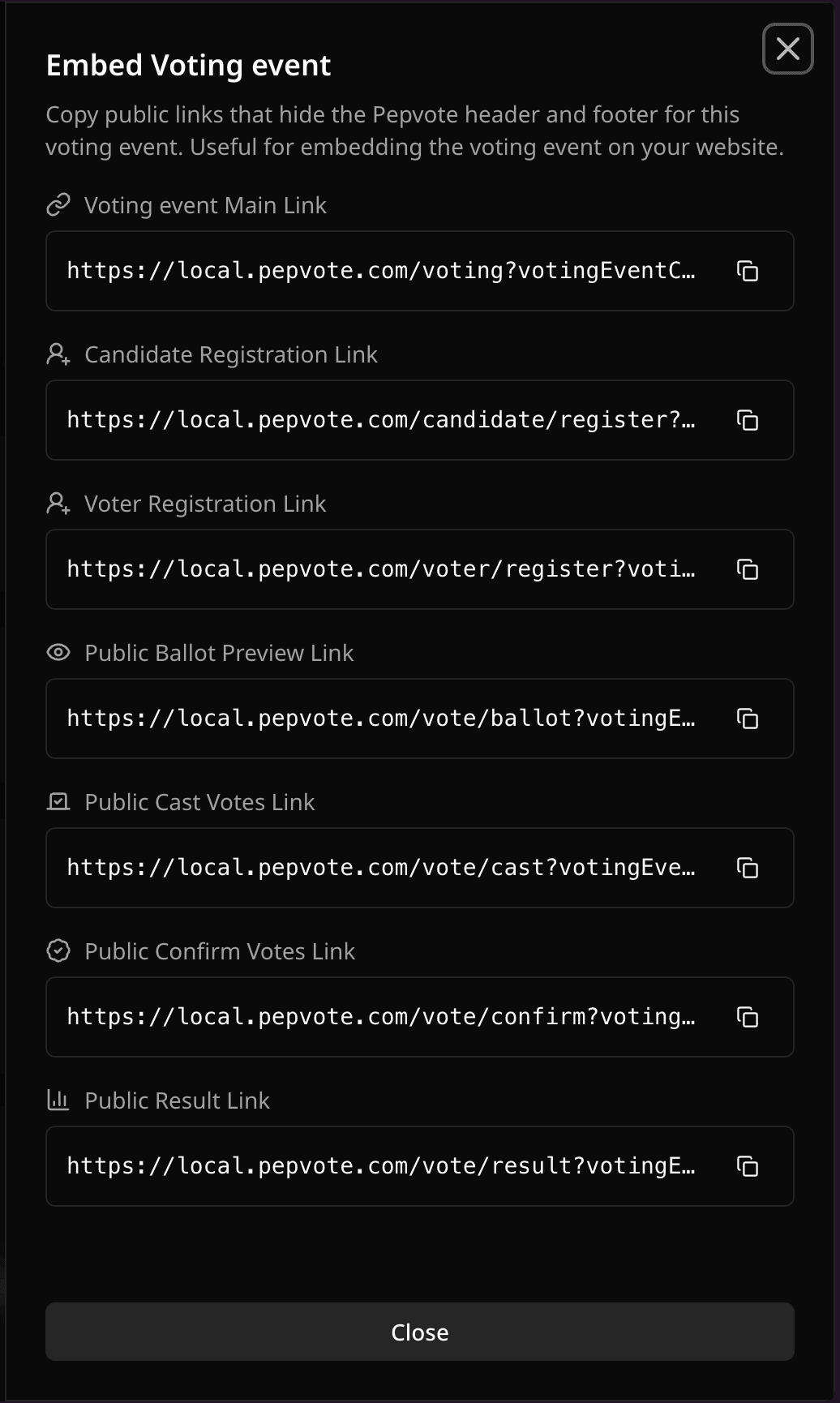
Use Embed Links when you want to place Pepvote public pages inside your website. Embed links add embed=true, which hides the Pepvote header and footer.
Embed link options
Pepvote can generate embed versions of:
- Voting Event Main Link
- Candidate Registration Link when enabled
- Voter Registration Link when enabled for an election
- Public Ballot Preview Link
- Public Cast Votes Link
- Public Confirm Votes Link
- Public Result Link
Example iframe
<iframe
  src="https://pepvote.com/vote/cast?votingEventCode=YOUR_CODE&embed=true"
  title="Vote on Pepvote"
  style="width: 100%; min-height: 720px; border: 0;"
></iframe>
Good practice
- Use a tall enough iframe for the ballot.
- Test on mobile before launch.
- Keep the direct Pepvote link available as a fallback for voters.
Was this helpful?
Last updated August 27, 2026