Setup and Management
Invites and email reminders
How user invites, role invites, and voting event reminder emails work.
Invitation types in Pepvote
Manual team invites
You can invite these roles manually from Invite Officials:
- Voting Event Manager
- Polling Officer
- Observer
Automatic participant invites
Candidate and voter invite emails can be sent when your plan supports participant invite emails and:
- A candidate with a valid email is added, edited, imported, or receives a photo-upload request
- A voter with a valid email is added, edited, or imported
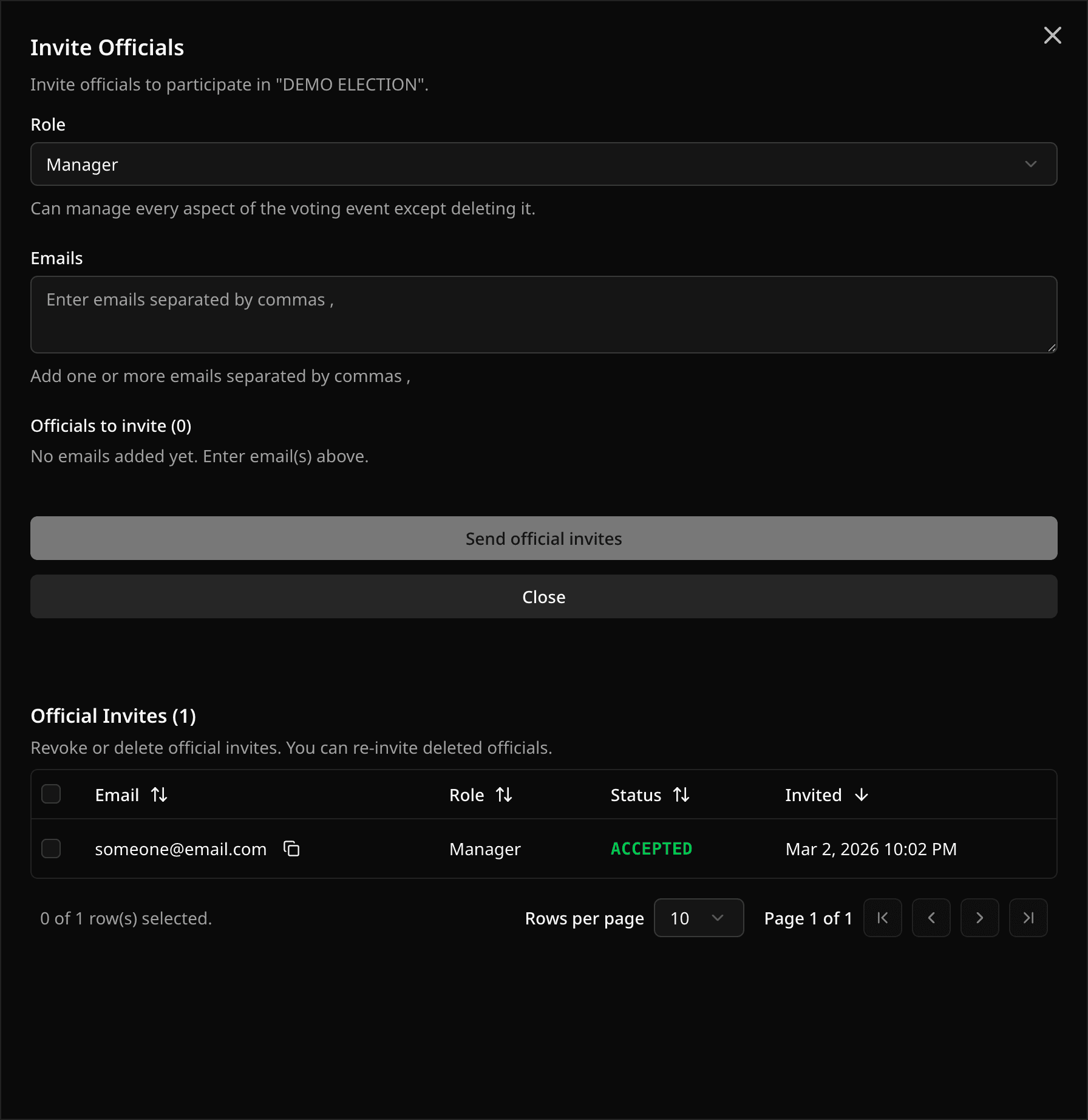
Invite status meanings
- Pending: invite created, user not yet linked.
- Accepted: user account is linked and invite is active.
- Revoked: access removed.
You can revoke or delete invites from the invites table.
Invite and email limits to know
Plan limits can affect team invites, participant invite emails, imports, exports, recounts, and voter limits. See the Pricing page for current plan details.
Voting Event started email reminders
When a voting event start time is reached, Pepvote sends "Voting has started" emails to approved voters with emails.
Reminder behavior:
- Sent only to approved voters with valid email.
- Duplicates are avoided for repeated email addresses.
- If Send Emails To is set in Voting Event Settings, emails for that voting event are redirected to the provided test email.
Other voting event emails
Pepvote can send:
- Voting event team invite emails
- Candidate invite and candidate photo-upload request emails
- Voter key emails
- Votes submitted emails (with confirmation code)
- Self-registration approval emails
Was this helpful?
Last updated August 27, 2026