Engineering Tunji Oyeniran
How we change the database while people vote
Pepvote has no maintenance window. This is the three-step method we use to reshape data on Convex without stopping an election.
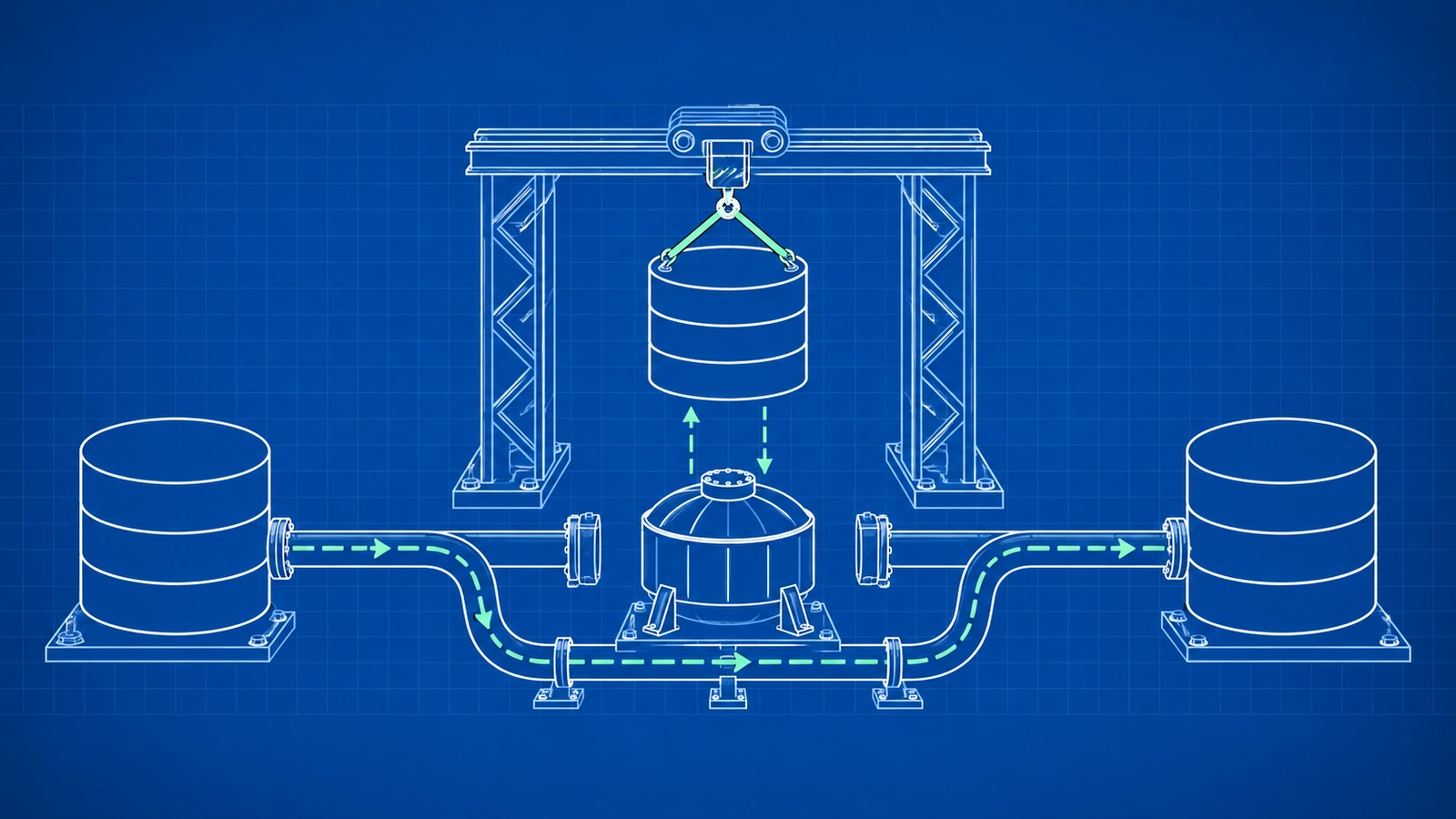
A Pepvote event can be open at any hour. A students' union votes at midnight. An awards poll runs for three weeks. There is no quiet hour in which we can take the system down and change the shape of its data.
But the shape has to change. A product that grows for ten months collects fields that made sense in February and do not make sense in October. This post describes how we change them while votes come in.
Two changes from this month
Aliases. An organizer can rename Pepvote's terms. A "voter" can be a "delegate", and a "position" can be a "category". Each alias was a separate field on the voting event. By October there were 15 of them at the top level of the document. On October 7 we moved them into one aliases object.
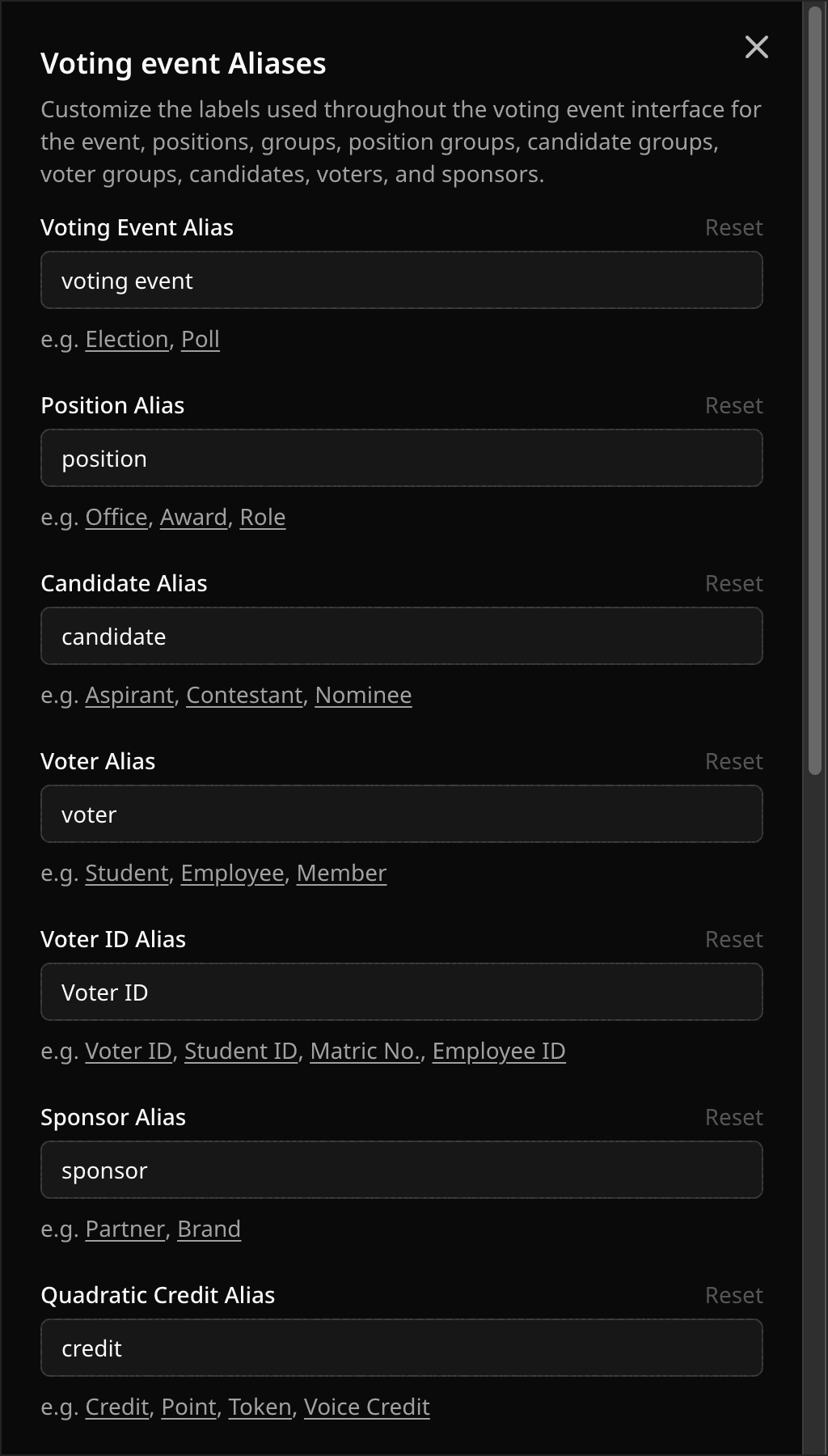 The Aliases sheet. Each field here was one top-level field in the database.
Result settings. Live result, published result, the display limit, and the group view were four separate fields. On October 22 we moved them into one resultSettings object, which also made room for two new settings.
Both changes touched every voting event in production. Neither needed downtime.
Why you cannot do it in one step
Two facts about our setup rule out a single deploy.
First, the backend and the web app deploy separately. For a few minutes after any release, some browsers still run the old app and call the new backend. Those calls must keep working.
Second, Convex checks the schema against the data. If a deploy removes a field from the schema while one document still has it, Convex rejects the deploy. The same is true for a new required field that old documents lack.
That second fact sounds like an obstacle. It is the most useful safety check we have, and the method below depends on it.
Widen, migrate, narrow
The migration method has three steps. Step through them here, then read about each one below.
Step through the migration
Schema
voterAlias: optional stringcandidateAlias: optional string// ...13 more
One voting event
title: "AGM 2026",voterAlias: "Delegate",candidateAlias: "Nominee",
- Code writes
- The 15 separate fields
- Code reads
- The 15 separate fields
Where we started: one field for each alias, at the top level of every voting event.
Voting stays open.
1. Widen
Add the new shape beside the old one. The new field is optional, so every existing document is still valid.
// Before
defineTable({
  voterAlias: v.optional(v.string()),
  candidateAlias: v.optional(v.string()),
  // ...13 more
});

// Widened: both shapes are valid
defineTable({
  voterAlias: v.optional(v.string()),
  candidateAlias: v.optional(v.string()),
  // ...13 more
  aliases: v.optional(
    v.object({
      voterAlias: v.optional(v.string()),
      candidateAlias: v.optional(v.string()),
      // ...13 more
    }),
  ),
});
In this step the code writes both shapes. It reads the new one and falls back to the old one. An old browser tab and a new one can both use the system, and each sees correct data.
2. Migrate
Stop writing the old fields. Then copy every old value into the new shape and clear the old one.
One Convex function cannot read a whole table, so a migration is a chain of small batches. Each batch updates a page of documents in one transaction and schedules the next page. We use the @convex-dev/migrations component for this. If a batch fails, the migration continues from the page where it stopped.
We run each migration on the development deployment first, then on production, and wait for it to finish.
3. Narrow
Remove the old fields from the schema, the fallback from the readers, and the migration code.
This deploy is the proof. If one document in production still holds an old field, Convex rejects the schema and nothing changes. When the deploy succeeds, we know the old shape is gone from the data, and not only from the code.
The parts that are easy to forget
Public contracts move on their own schedule. The alias change did not touch the public API. The names and the response shape stayed the same, and the API maps them to the new object. The result settings change did alter the API, so it went into the API changelog with the old and new shapes.
Derived data needs a second pass. Some result settings affect counts that Pepvote keeps ready in advance. After the documents moved, a second migration queued a recount for each event.
Delete the migration when it is done. A finished backfill that stays in the code is a function that can still run. We remove it in the narrow step.
Order the deploys. The backend goes first, the migration runs to the end, and only then does the schema narrow. A push to the web app does not move the backend, so we check both.
What it costs
A change that would be one commit becomes three or four, spread over a day. For a site that can go offline for a few minutes without harm e.g. a Blog, that would be too much work. For a system that holds election results, a day is a fair price for never having to say "voting was paused for maintenance".